
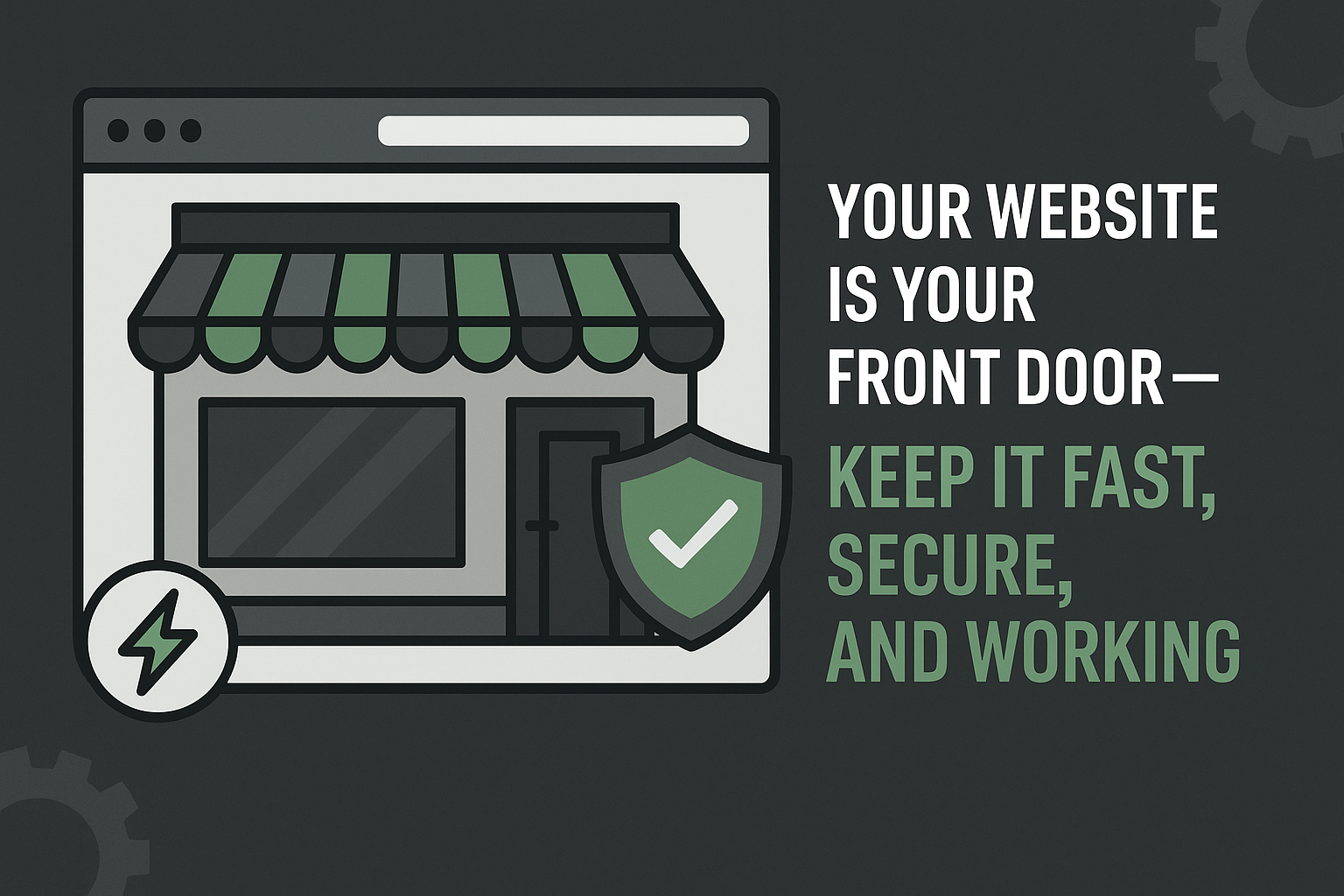
Your Website Is Speaking for You 24/7
Imagine walking up to a shop with flickering lights, a cracked window, and a door that sticks when you try to open it. Would you walk in? Would you trust that business with your money? Chances are, you’d not only turn away, you might even warn a friend to steer clear.
Now, picture that same experience… but online. For many small businesses, their website is the first interaction a customer has with the brand. Before they call, email, or visit, they Google. And what they see in those first few seconds determines whether they stay… or disappear.
A slow, outdated, or insecure website doesn’t just look unprofessional — it actively costs you business. Broken links, outdated content, or missing security certificates can turn potential customers away before you even know they visited. Worse, dissatisfied visitors may share their negative experiences with others, amplifying the impact of neglect just as word-of-mouth does for a neglected storefront.
The truth is simple: Your website isn’t just a page on the internet. It’s your digital front door. And just like a physical store, it needs regular maintenance to keep it welcoming, secure, and open for business.
The Silent Salesperson That Never Sleeps
Your website is like the superstar employee who never clocks out, it’s working around the clock, greeting customers, explaining what you offer, showing off your expertise, and helping answer questions to drive new leads and sales. But here’s the catch: unlike a real staff member, your website can’t tap you on the shoulder to say, “I’m not feeling so great.” If it’s outdated or vulnerable, you might not know until it’s too late.
When small business owners tell themselves, “It looks fine to me,” “It still loads… eventually,” or “We updated it a few years ago,” they’re taking a big risk. Search engines, mobile users, and cybercriminals aren’t so forgiving or optimistic.
Neglecting your website can lead to lost sales, damaged reputation, and increased vulnerability to cyber-attacks – issues that can be costly for any small business.
Your visitors expect:
- Fast load times
- Mobile-friendly design
- Secure browsing (HTTPS)
- Up-to-date content
If your site doesn’t deliver, customers will move on—usually to a competitor who’s taken website care seriously. But don’t worry, a healthy website isn’t out of reach! Here are some simple ways to keep your digital “employee” in top shape:
- Schedule regular website checkups to catch issues early
- Keep your security certificates updated for safe browsing
- Optimize your site for mobile devices so visitors can easily use it anywhere
- Refresh your content to show you’re active and trustworthy
Think of website maintenance as investing in your hardest-working team member. With a little attention, your website can keep bringing in business, building trust, and staying safe – no matter what time it is.
Speed: Why Every Second Matters
Website speed isn’t a luxury, it’s essential for success. According to research from Google, 53% of mobile users leave a site that takes longer than three seconds to load. Research consistently shows:
- Users start abandoning pages after just 3 seconds.
- Each extra second of load time reduces conversions.
- Google ranks faster websites higher in search results.
For small businesses, slow websites mean:
- Fewer enquiries
- Lower trust
- Reduced visibility
- And, ultimately, lower revenue
Common causes of sluggish performance include:
- Outdated plugins
- Bloated themes
- Unoptimized images
- Cheap or overloaded hosting
To boost your site’s speed, regularly update plugins, choose lightweight themes, compress images before uploading, and invest in reliable hosting. Every second counts – don’t let slow load times cost you customers.
Security: Your Website Is a Target (Yes, Even Yours)
Still think your small business is too tiny for hackers to notice? Ask yourself: if you leave your shop door unlocked, would you be surprised if someone walked in? The same goes for your website. In fact, over 40% of cyberattacks target small businesses, they’re not aiming for you personally, but for easy wins. Why? Because cybercriminals use automated tools to scan the web, hunting for outdated software and weak passwords. It takes them seconds to find and exploit unprotected sites.
Let’s look at a real-world example: We recently saw a small local club’s website quietly hijacked. Hackers turned it into a giant ad for fake pharmaceuticals – but only for visitors coming from Google search results. How? By breaching dozens of small, neglected sites and adding malicious code, they hoped to turn pennies from each into a small fortune with almost no effort.
Outdated WordPress installs, weak admin passwords, and ignored plugins are open doors for these automated attacks. Remember: it’s not about who you are, but what you leave unprotected.
What’s at stake if your site isn’t secure?
- Malware injections: Hackers can slip malicious code into your site, which could infect your visitors or spread across the web.
- Spam redirects: Your site may suddenly send users to scam sites or unwanted ads, damaging your credibility.
- Customer data exposure: Personal information or payment details can be stolen, putting your customers at risk.
- Blacklisting by Google: Search engines may block your site if it’s compromised, causing you to lose traffic and trust.
- Reputation damage: A hacked site can erode the reputation you’ve worked hard to build, and regaining trust is tough – and costly.
Cleaning up after a hack is often more expensive, and stressful, than keeping your site protected to begin with.
Here’s how to lock the digital door:
- HTTPS encryption: This secures data exchanged between your site and visitors by displaying a padlock in the browser bar. Ask your hosting provider to enable an SSL certificate. It’s often free and takes minutes to set up.
- Regular plugin and theme updates: Updates fix security holes that hackers look for. Set reminders to check for updates weekly or enable automatic updates if possible.
- If you enable automatic updates, ensure you regularly check that the updates didn’t break any part of your website.
- Strong password policies: Use long, unique passwords and add two-factor authentication for admin accounts to block brute-force attacks.
- Malware scanning: Install a trusted security plugin that regularly scans your site for suspicious files and activity. Many have free versions that alert you to problems.
- Backup protection: Schedule automatic backups so you can quickly restore your site if it’s ever compromised. Store copies offsite (not just on your hosting server).
Security isn’t about being paranoid, it’s about being professional and proactive. Following these simple steps shows your customers you take their safety seriously and keeps your business running smoothly. Don’t wait for a wake-up call: protect your site today.
The Problem With “Set It and Forget It”
A website isn’t like a printed brochure sitting on a shelf – it’s a living, breathing system that connects with browsers, servers, and must keep up with modern security standards. Just like a car needs regular tune-ups or a garden needs watering, your site requires ongoing maintenance. This goes far beyond the occasional content update; it means keeping all the behind-the-scenes parts, your hosting, plugins, and interactive features, up to date and secure.
Unfortunately, many small business websites are launched and then left alone, as if they’ll run forever on autopilot. But neglecting your website leads to broken contact forms, outdated information, expired plugins, security vulnerabilities, and sluggish performance. These aren’t just technical issues: when contact forms don’t work or details are out of date, customers can’t reach you or lose trust in your business. That means missed opportunities, lost sales, and a reputation that quietly slips away. Most customers won’t complain, they’ll just move on without a word, and you may never know why.
Think of website maintenance as routine health checks for your business online. To keep everything running smoothly, make it a habit to schedule regular checkups, update plugins at least once a month, and test your contact forms to be sure customers can always reach you. A little proactive care goes a long way toward keeping your website, and your business, healthy and growing
What Website Maintenance Actually Means
Professional website maintenance isn’t just “checking things occasionally.” It’s a structured process that keeps your site healthy and effective, much like regular servicing keeps your car running smoothly. At Greenshields.TECH, a website care plan typically includes:
- Regular WordPress core updates: keeping your website’s main software up to date for security and new features
- Plugin and theme updates: ensuring add-ons and design elements are current and compatible
- Security monitoring: watching for suspicious activity and potential threats to keep your site safe
- Performance optimization: making sure your site loads quickly and runs smoothly for visitors
- Automated backups: regularly saving copies of your website so it can be restored if something goes wrong
- Uptime monitoring: checking that your website is always accessible to visitors
- Broken link checks: finding and fixing links that no longer work, so users don’t hit dead ends
- Spam prevention: protecting your site from unwanted comments and junk submissions
- Monthly health reports: providing easy-to-understand summaries of your site’s status and any actions taken
Think of it like servicing your car: you don’t wait for the engine to seize before changing the oil. Just as regular oil changes prevent costly repairs, routine website care avoids unexpected downtime and security issues, keeping your business running smoothly and protecting your online reputation.
Mobile Experience: Where Most Customers See You
According to a 2023 Statista report, 63% of global website visits now come from mobile devices. If your website requires pinching to zoom, has tiny unreadable text, or loads slowly on phones, you’re creating friction right at the first impression. Once a potential customer experiences a bit of friction, they are less likely to keep using your service or return for future business.
Google also prioritizes mobile-friendly websites in its search rankings, so poor mobile design can hurt both user experience and how easily customers find you. Things to focus on when making your small business website mobile friendly include:
- Responsive: Your site layout automatically adapts to any screen size, so it looks great on both phones and desktops.
- Fast on mobile networks: Pages load quickly even with slower cellular connections, keeping impatient visitors from leaving.
- Easy to navigate with thumbs: Buttons and menus are large enough to tap comfortably, making your site simple to use on a small screen.
- Optimized for smaller screens: Text and images are sized for readability, so content is clear without zooming or horizontal scrolling.
The Business Impact of a Well-Maintained Website
When you invest in regular website maintenance, you unlock real, measurable advantages.
- More inquiries
- Higher search rankings
- Enhanced brand trust
- Superior user experience
- Stronger security
- Consistent, reliable performance
Your website transforms from a liability into a true asset. Instead of feeling hesitant, you can confidently direct customers to your site, knowing it reflects the professionalism and care you bring to your business. That confidence matters, not just to you, but to your customers as well. Viewing website care as a smart investment ensures your brand stands out for all the right reasons.
Maintenance Is Cheaper Than Repair
Emergency website fixes often bring unexpected stress, expensive urgency fees, lost business opportunities, and even damage to your reputation. For example, a broken contact form can cause you to miss out on valuable sales inquiries, while a slow-loading website may frustrate visitors and drive them away before they ever see your products. Proactive maintenance helps you avoid these headaches by turning unpredictable breakdowns into stable, reliable performance, a foundation that supports business growth.
By prioritizing regular website care, small businesses can sidestep costly emergencies and keep their sites running smoothly. This means spending less time worrying about technical problems and more time focusing on growing your business. To ensure your website stays healthy, start with these simple checks:
- Loading Speed: Test your site’s loading time using free online tools. Aim for under 3 seconds to keep visitors engaged.
- Mobile Compatibility: Make sure your site looks and works well on smartphones and tablets, as many customers browse on mobile devices.
- Regular Updates: Update your website software and plugins regularly to patch security vulnerabilities and add new features.
- Automated Backups: Set up automated backups so your website can be quickly restored if something goes wrong, like accidental deletions or hacking attempts.
- HTTPS Security: Ensure your site uses HTTPS, which protects visitors’ data and builds trust with your audience.
- Contact Form Functionality: Check that your contact form is working properly so potential customers can always reach you.
Addressing these areas ahead of time ensures your online presence remains reliable, trustworthy, and ready to serve both current and prospective customers so your website can truly represent your business, even when you’re not there.
What Should Small Businesses Do Right Now?
If you’re unsure about your website’s health, here are a few quick questions:
- Does your site load in under 3 seconds?
- Is it fully mobile-friendly?
- Has it been updated in the last 30 days?
- Are backups running automatically?
- Is HTTPS enabled?
- Is your contact form working correctly?
If you hesitated on any of these, your website probably needs attention.
Your Website Represents You – Even When You’re Not There
Whether you’re sleeping, serving customers, or managing operations, your website is always working for your business. It either builds trust… or quietly chips away at it. A fast, secure, well-maintained site instantly tells visitors you care about quality, take professionalism seriously, and invest in doing things properly.
Some business owners worry about the cost or time needed for regular maintenance. Even if you’re concerned about the expense, routine upkeep usually prevents far costlier emergencies down the road. Proactive care means fewer surprises, less downtime, and a stronger reputation among potential customers. Your website is your digital storefront: a well-managed site attracts new business and reassures returning clients that you’re dependable and attentive to detail. Don’t let overlooked issues undermine your hard work. Prioritizing your website’s health is an investment in your business’s future, and in the peace of mind that comes from knowing every visitor’s experience reflects your commitment to excellence.
Leave a Reply